With the extension you report time right in Chrome, without opening the time sheet.
How to install
The extension is not in the Chrome Web Store yet. You install it like this:
- Log in and open My page → Chrome extension.
- Follow the steps there to download the extension and load it into Chrome.
- Choose Connect Chrome and paste the code into the extension. The code is shown only once and belongs to you and the company you were in.
You remove the connection on My page or with Disconnect in the extension.
Report time
Click the button in Chrome. You see today's and the week's time, favourites and recent rows.
- Choose a row from starred favourites, recent rows or the search.
- Choose a Day in this week.
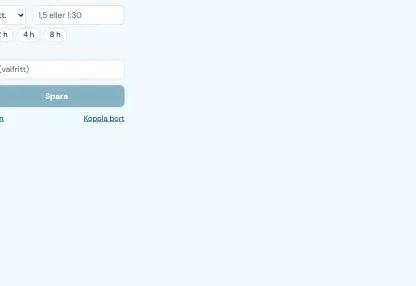
- Type Hours and optionally a Comment, and press Save.
The time is added to what is already on the row that day. The same rules as in the time sheet apply, for example locked periods. The number on the button shows today's hours.
Timer
Press Start. The time keeps running if you close the box, and it counts only in this Chrome browser. Stop fills in the exact time without saving, so you can change it. Continue the timer undoes the stop.
Reminder
Under the gear you choose Remind me when the day has too little time, the time of day, the goal per day and which days. From the start it is 16:30, 8 hours, Monday to Friday. The reminder comes as a notification and only while Chrome is running.
Update
When a new version exists the extension says so. Download it on My page, replace the files in the same folder and press the arrow at the extension on chrome://extensions.